Basics of Database for Beginners
Learn what is database, DBMS, and database system in very simple English, with student table example and easy tips for beginner.
2026-10-24 · 4 min read
Hello my friend! Today we learn basic of database together. Very easy, no worry.
Basics of Database: A Beginner's Guide
Database is very important in computer world. It help us keep data, organize data, find data, and manage data easy. School use database, hospital use database, bank use database, business also use. Almost everywhere use database.
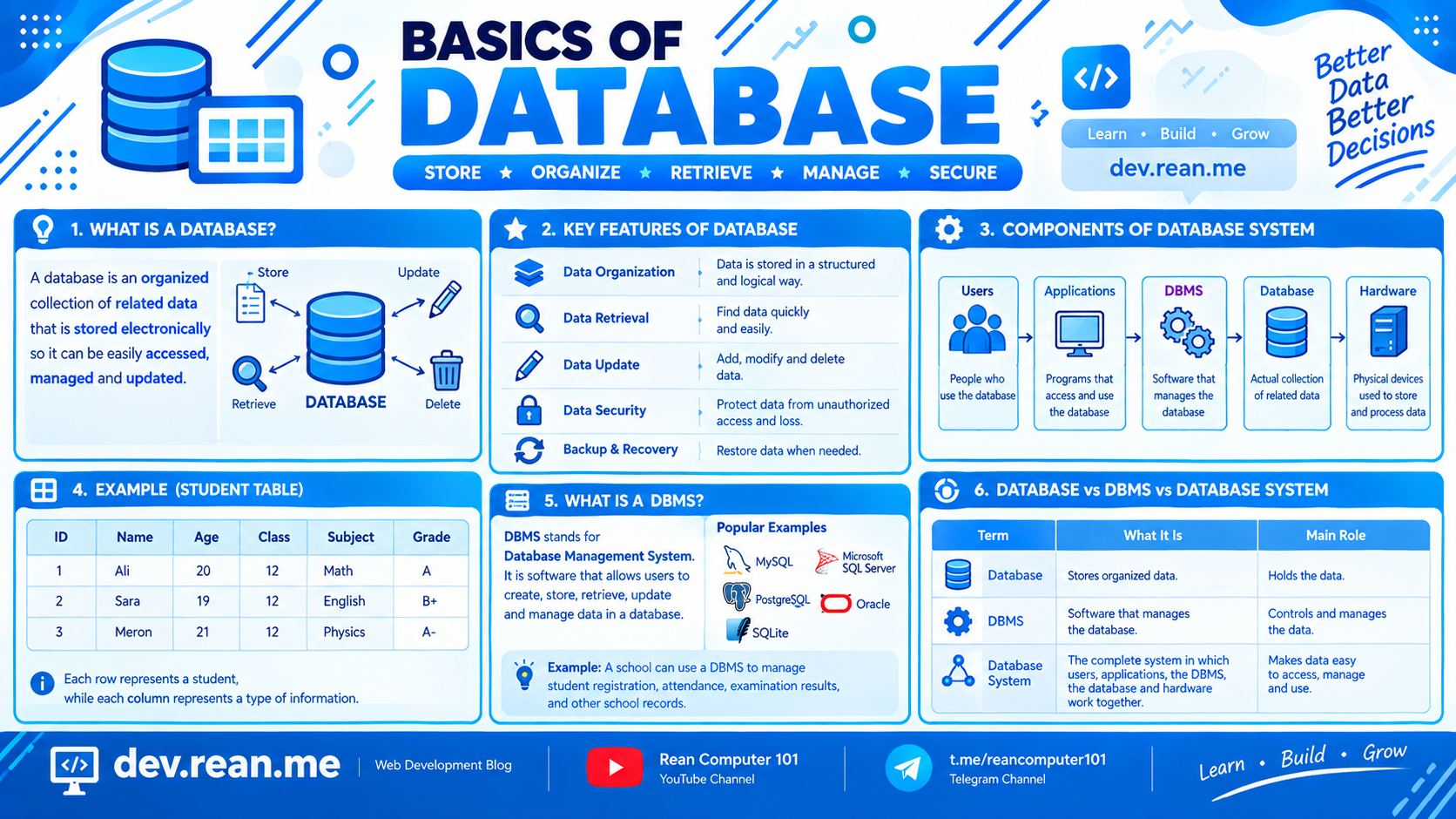
In this post, we learn basic idea of database step by step.
1. What Is a Database?
Database is a group of data that related together, and we keep it in computer in organized way. So we can open it, manage it, and update it easy.
Example: school database keep student info like student ID, name, age, class, subject, and grade.
2. Key Features of a Database
Database have some important feature:
- Data Organization: Keep data in good structure, not messy.
- Data Retrieval: Search and find data very fast.
- Data Update: Can add new data, change data, and delete data.
- Data Security: Protect data, so bad people cannot see or steal it.
- Backup and Recovery: If data lost or broken, we can get it back.
Because of these feature, database very useful when we have a lot of data.
3. Components of a Database System
Database system have 5 main part:
- Users: People who use the database.
- Applications: Program that help user to use and manage data.
- DBMS (Database Management System): Software for create, manage, and control database.
- Database: The place where organized data is keep.
- Hardware: Physical machine like computer and server, for store and process data.
All these part work together, so user can manage information good.
4. Example of a Student Database
Student database can keep data in table like this:
| ID | Name | Age | Class | Subject | Grade |
|---|---|---|---|---|---|
| 1 | Sok | 20 | 12 | Math | A |
| 2 | Dara | 19 | 12 | English | B+ |
| 3 | Vuth | 21 | 12 | Physics | A- |
One row = one student. One column = one type of information.
With table like this, find student, update student, and manage record become very easy.
5. What Is a DBMS?
DBMS mean Database Management System.
It is software that let user create, store, find, update, and manage data inside database.
Some popular DBMS:
- MySQL
- Microsoft SQL Server
- PostgreSQL
- Oracle Database
- SQLite
Example: school can use DBMS for manage student register, attendance, exam result, and other school record.
6. Database vs. DBMS vs. Database System
These 3 word look same same, but meaning not same.
- Database: Place that keep organized data.
- DBMS: Software that manage the database.
- Database System: Everything together — user, application, DBMS, database, and hardware working as one.
Tips
- Database is the data. DBMS is the software. Don't mix them up!
- One row is one record, one column is one type of info. Remember this, very useful later.
- Give every row a unique ID, so you can find each record easy.
- Start practice with free DBMS like MySQL or SQLite. No need pay money.
- Always backup your data. If you lose it, very sad.
- Learn basic first, then go to SQL. Step by step is best way.
Conclusion
Database help us organize and manage information very good. Main feature is organize data, find data, update data, keep data safe, and backup data.
Understand database is first step for anyone who want learn SQL, database management, or software development. Keep going my friend!