SQL Operation Logic Order Explained
Learn how SQL engine really read and execute your query. We explain SQL logical execution order step by step with simple example. Good for beginner who use SQL, MySQL, or PostgreSQL.
2026-08-25 · 6 min read
How SQL Engine Read Your Query (SQL Operation Order)
Hello friend! Today we talk about SQL operation order.
When we write SQL query, we type SELECT first at line 1. But SQL engine brain not read like that. It read in different order. Not top to bottom like we think.
If you not know real execution order → you will have big bug. Like when you use alias name in WHERE clause and you get error. Very confuse right? After this lesson, you will understand why!
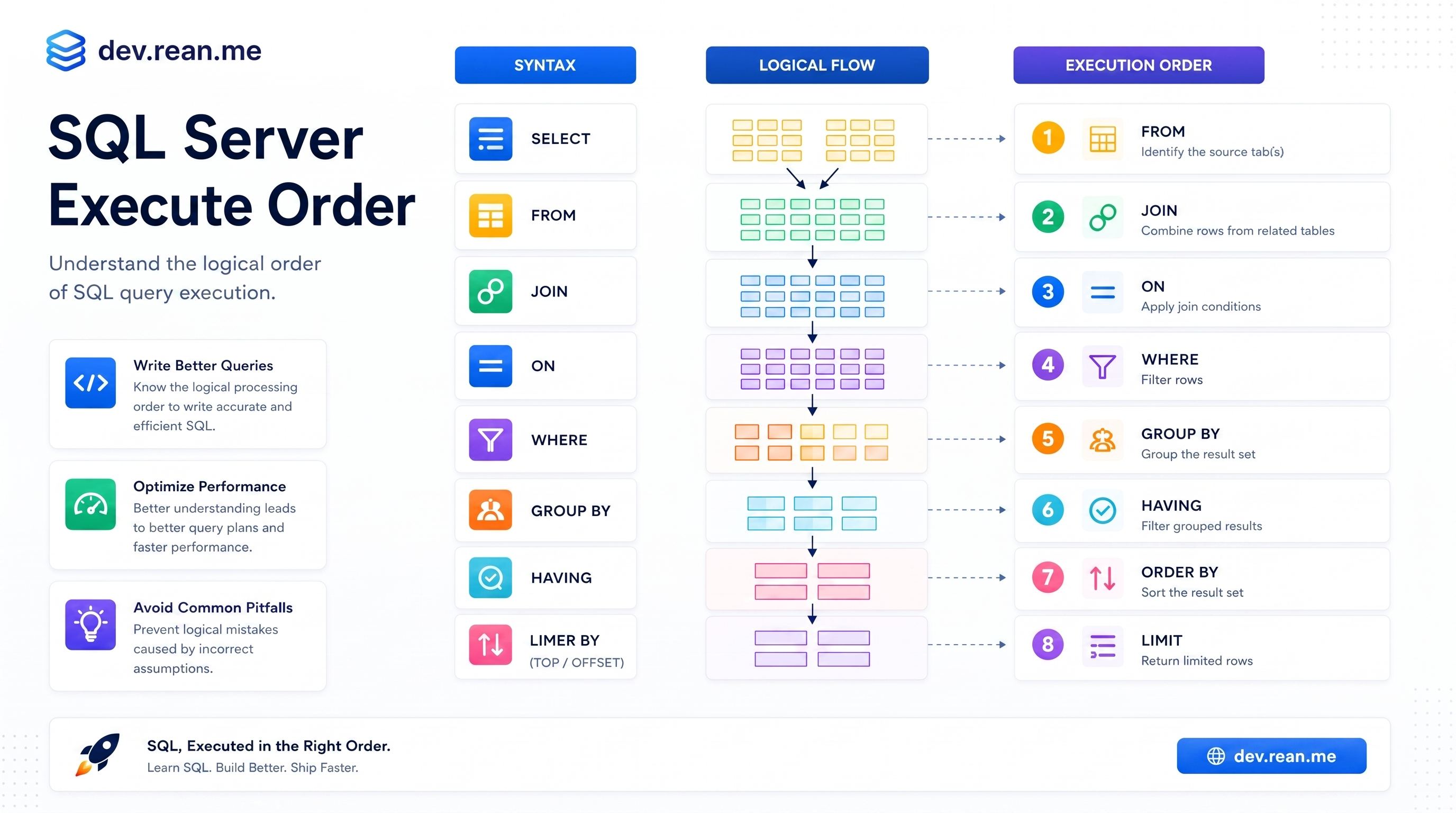
Real Execution Order — Step by Step
SQL engine read your query in this order:
| Step | Clause | What SQL do |
|---|---|---|
| 1 | FROM + JOIN | Find table first. If got JOIN, combine table together. |
| 2 | WHERE | Filter row. Row not match condition → throw away. |
| 3 | GROUP BY | Group row that same same value together. |
| 4 | HAVING | Filter group again. (WHERE cannot filter group, so use HAVING here.) |
| 5 | SELECT | Now SQL look at column you want to show. This is step 5, not step 1! |
| 6 | DISTINCT | Remove duplicate row if you put DISTINCT keyword. |
| 7 | ORDER BY | Sort result. A→Z or Z→A or by number. |
| 8 | LIMIT / OFFSET | Cut result. Show only top 10 or do pagination. |
Easy way to remember: From Where Group Having Select Distinct Order Limit → "From Where Group Having Select Distinct Order Limit"
Example SQL Query
Look at this code. We write SELECT on line 1. But SQL brain read FROM first!
SELECT d.department_name, COUNT(s.student_id) AS total_stu    -- Step 5
FROM tbDepartments d                                           -- Step 1
JOIN tbEnrollments s ON d.department_id = s.department_id      -- Step 1
WHERE s.is_active = 1                                          -- Step 2
GROUP BY d.department_name                                     -- Step 3
HAVING COUNT(s.student_id) > 10                                -- Step 4
ORDER BY total_stu DESC                                        -- Step 7
LIMIT 5;                                                       -- Step 8
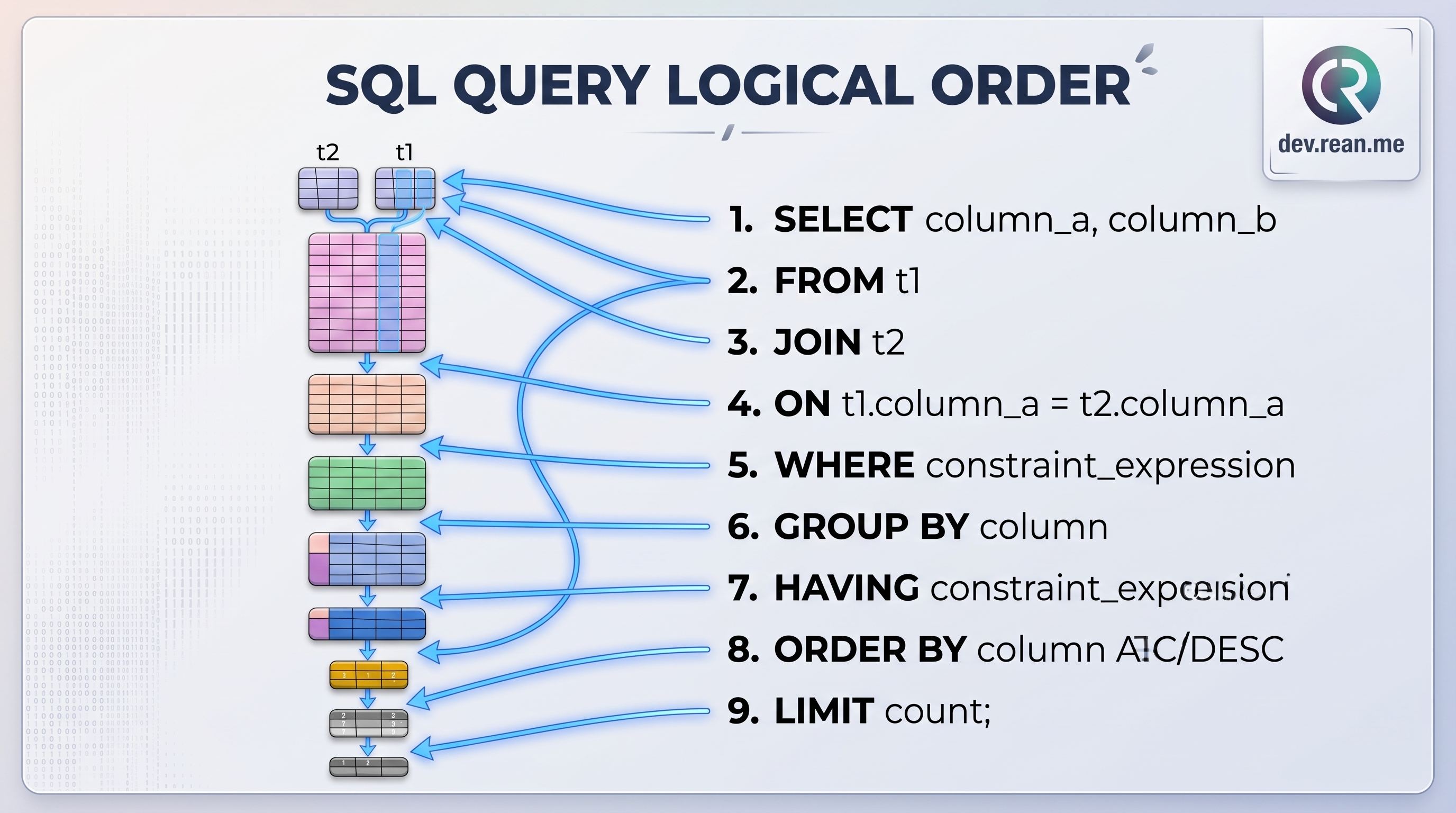
Why We Must Remember This?
Big example here:
In SELECT you write COUNT(s.student_id) AS total_stu. You give alias name = total_stu.
If you try use total_stu in WHERE clause → ERROR! 😱
Why? Because WHERE is step 2. But SELECT is step 5. SQL brain not yet know name total_stu at step 2. It not exist yet!
-- ❌ Wrong! This will error!
SELECT COUNT(student_id) AS total_stu
FROM tbEnrollments
WHERE total_stu > 10;  -- ERROR: total_stu not exist here yet!

-- ✅ Correct! Use HAVING instead
SELECT COUNT(student_id) AS total_stu
FROM tbEnrollments
HAVING COUNT(student_id) > 10;  -- Step 4, after GROUP BY
But total_stu can use in ORDER BY → no problem! Because ORDER BY is step 7. Step 7 run after step 5. So SQL already know that name.
-- ✅ This is ok!
SELECT COUNT(student_id) AS total_stu
FROM tbEnrollments
GROUP BY department_id
ORDER BY total_stu DESC;  -- Step 7, SQL already know total_stu from Step 5
Tips for SQL, MySQL, PostgreSQL
💡 General SQL Tip
Tip: Always write your query in execution order in your head first. Think: "What table? → What filter? → What group? → What column I want?" Then you write SQL, less mistake!
🐬 MySQL Tip
MySQL allow use alias name from SELECT inside ORDER BY. This work in MySQL!
-- MySQL allow this (alias in ORDER BY)
SELECT COUNT(student_id) AS total_stu
FROM tbEnrollments
GROUP BY department_id
ORDER BY total_stu DESC;  -- ✅ MySQL OK
MySQL use LIMIT keyword to cut result. Simple and easy.
-- MySQL pagination
SELECT * FROM tbStudents
ORDER BY student_id
LIMIT 10 OFFSET 20;  -- Skip 20 row, show next 10 row
🐘 PostgreSQL Tip
PostgreSQL also use LIMIT and OFFSET same like MySQL. But PostgreSQL more strict about SQL standard rule.
-- PostgreSQL pagination (same style as MySQL)
SELECT * FROM tb_students
ORDER BY student_id
LIMIT 10 OFFSET 20;
PostgreSQL also support FETCH FIRST. This is more SQL standard way to write.
-- PostgreSQL standard way
SELECT * FROM tb_students
ORDER BY student_id
FETCH FIRST 10 ROWS ONLY;
🪟 SQL Server / MSSQL Tip
SQL Server not use LIMIT. It use TOP or OFFSET FETCH instead!
-- SQL Server use TOP (simple way)
SELECT TOP 10 * FROM tbStudents
ORDER BY student_id;

-- SQL Server use OFFSET FETCH (for pagination)
SELECT * FROM tbStudents
ORDER BY student_id
OFFSET 20 ROWS FETCH NEXT 10 ROWS ONLY;
Summary
- SQL not execute in order you write. It follow logical execution order.
- Real order:
FROM→WHERE→GROUP BY→HAVING→SELECT→DISTINCT→ORDER BY→LIMIT - Cannot use
SELECTalias inWHERE→ useHAVINGinstead for group filter. - Can use
SELECTalias inORDER BY→ because it run afterSELECT. - Different database have different syntax for limit row (
LIMITvsTOPvsFETCH FIRST).
That all friend! Remember this logic, you write SQL no error. Happy coding! 🎉
📚 Read More in Database
Want learn more? Check other article in database category:
- SQL Cheat Sheet — Free Download for Beginner
- Common SQL Data Types in Database
- Employee Table Example in PostgreSQL with Video Tutorial
- Student Management Database (MySQL) — Enrollment and Payment
- Student Management Database in SQL Server — Enrollment and Payment
- Student Exam Part 3 — 10 SQL SELECT Questions and Answers
- Student Exam Part 1 — Create Tables in MySQL
- Library Database — Create Tables with Data Download
- Library Database Exercise 1 — 10 SQL Questions and Answers
- Download and Install MySQL — Step-by-Step Video Tutorial